
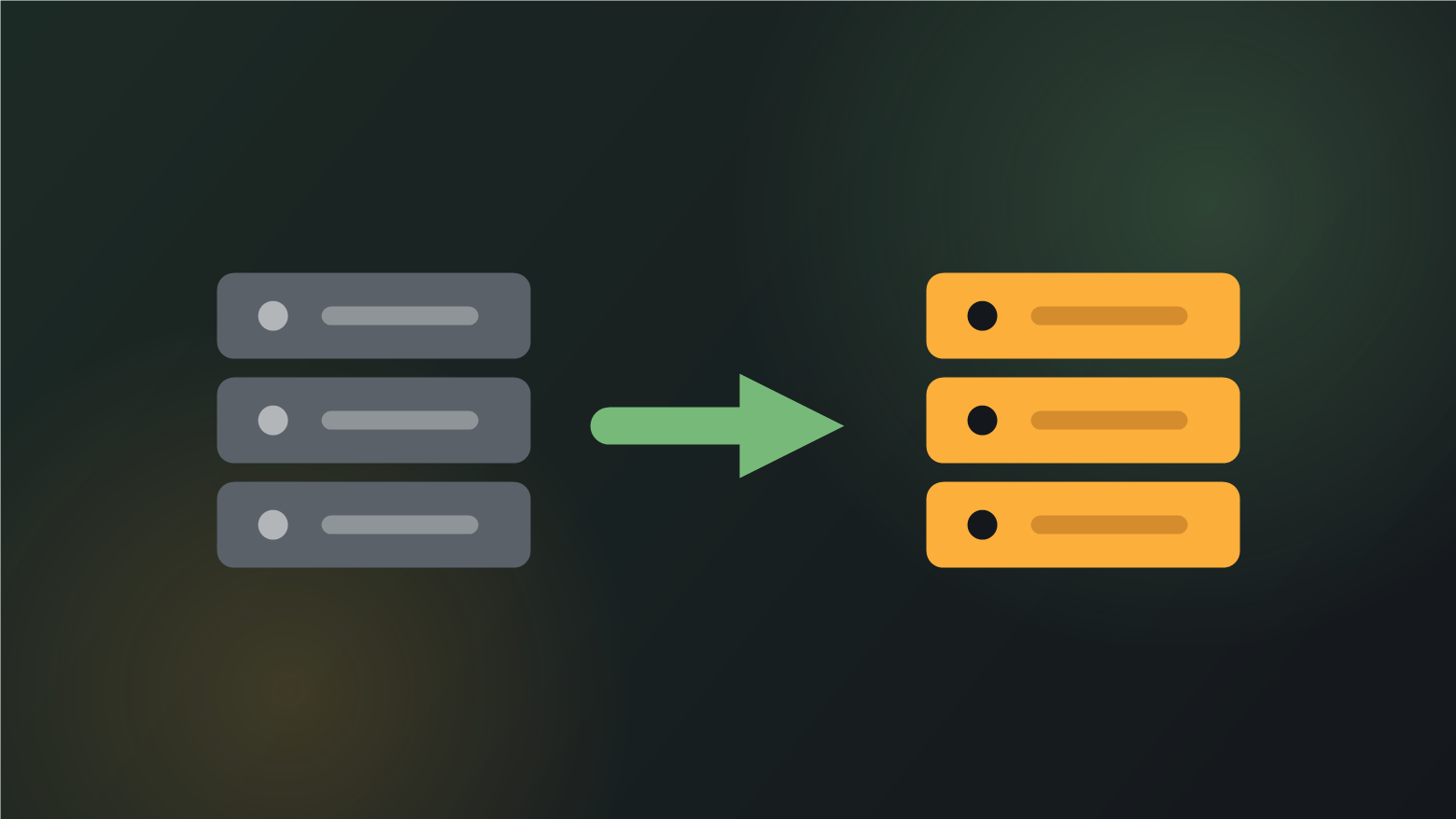
Most people move hosts for one of three reasons: the renewal price went up, support stopped answering, or the site outgrew the plan and nobody will say so plainly. All three are good reasons. The thing that stops people acting on them is the fear that the site will go dark somewhere in the middle, or that traffic will drop and not come back.
Neither has to happen. A WordPress migration done in the right order has no downtime at all — not “a few minutes of maintenance mode”, literally none — because both servers stay live throughout and the old one is never switched off until it has stopped receiving traffic.
Here is the sequence, and the reasoning behind each step.
Why migrations go wrong
Almost every bad migration comes from the same mistake: changing DNS early and fixing things afterwards. Once the domain points at a server that is not ready, every problem becomes a live problem, in public, with visitors hitting it.
The whole method below exists to invert that. Everything is built, tested and proven on the new host before the domain knows the new host exists. By the time DNS changes, the cutover is the least eventful part of the job.
Day 0 — clone, and touch nothing on the old host
Copy the files and export the database to the new server. The old site keeps serving every visitor exactly as before; nothing about it changes, and if the whole migration were abandoned at this point nobody would ever know it had started.
Three things are worth getting right at this stage rather than discovering later:
- Match the PHP version, then decide. Build the new server on the same PHP version the old one ran, so that a difference in behaviour is a migration problem and not a PHP problem. Upgrade afterwards, as a separate change you can test on its own.
- Check the uploads folder actually arrived. Compare file counts, not folder sizes. A truncated media transfer is the most common silent failure in a manual migration and it does not announce itself until someone opens a page with images on it.
- Use a proper search-and-replace for URLs. A plain SQL find-and-replace corrupts serialised PHP arrays, which is what WordPress stores widget and theme settings in. Use WP-CLI’s
search-replaceor a tool that understands serialisation. Sites that lose all their widget settings during a move lost them here.
Day 1 — test the clone before the domain moves
This is the step that makes zero downtime possible, and it is the step most often skipped.
You can reach the new server, with your real domain name, without changing any DNS — by editing your own machine’s hosts file. Add a line mapping your domain to the new server’s IP address, and your browser alone resolves the domain to the new host while the entire rest of the world still reaches the old one.
That matters because plenty of things only work under the real domain name: cookies, callbacks, payment gateway webhooks, anything reading HTTP_HOST. Testing on a temporary newhost.example/~account URL will show you a site that appears to work and hides exactly those faults.
With the hosts file pointed at the new server, work through the things that break quietly:
- Log in as an administrator, and log in as a customer
- Submit every contact form and confirm the email arrives — mail routing is a per-server setting and does not travel with the files
- Place a real order end to end if it is a store, including the payment gateway callback
- Check scheduled tasks run. WP-Cron fires on page loads, so a site with no traffic yet has a cron queue that never executes
- Load a page that is not the home page, to prove permalinks and rewrite rules survived
- Confirm the SSL certificate on the new host covers the domain, before it is needed
Day 2 — lower the TTL, and wait
DNS records carry a time-to-live: how long resolvers around the world are allowed to cache the answer before asking again. Many domains sit at 3,600 seconds or higher, which means an hour or more of resolvers confidently serving the old address after you change it.
Drop the A record’s TTL to 300 seconds at least a day before the cutover. Nothing moves when you do this — the record still points at the old host, it is simply marked as short-lived. What it buys you is a five-minute propagation window instead of an hour-long one, which matters most if you ever need to reverse the change.
This step has to happen a day early to work at all. Lowering the TTL at the same moment you change the address achieves nothing, because resolvers are still holding the previous long-lived answer.
Cutover — the quiet part
Do a final content sync — the database and any files uploaded since the clone — and ask that nobody publishes or takes orders for the few minutes it takes. Then change the A record to the new IP.
For the next few minutes some visitors reach the new server and some reach the old one, and this is fine, because both are serving the same site. There is no moment at which the domain resolves to nothing. That is the entire trick: zero downtime comes from both hosts being live, not from the switch being fast.
The one thing to plan for is the split window. If someone places an order during those minutes and lands on the old host, that order exists only in the old database. On a busy store, put the store into a brief maintenance state for the sync, or reconcile the two order tables afterwards. On a brochure site it does not arise.
+48 hours — retire the old host, not before
Leave the old server running and paid for at least two days. Two reasons.
First, its access logs tell you when propagation has genuinely finished. When the old host stops receiving requests, everyone has moved. That is a measurement, not an assumption.
Second, it is the rollback. If something serious surfaces on the new host, changing the A record back puts every visitor onto a server that is still running the site — within five minutes, because the TTL is already low. A backup file is not a rollback plan; a running server is.
Keeping the rankings
If the domain is not changing, there is very little to do. URLs stay identical, so Google sees the same site on a different IP address and generally does not care.
If the domain is changing, or you are moving off Wix, Squarespace or Shopify, the redirect map becomes the real work — and it is usually the bulk of the job. Every old URL needs a 301 to its new equivalent, one at a time. Redirecting everything to the home page is the standard shortcut and it throws away the accumulated value of every ranking page. Export the old URL list from Search Console and your sitemap, map each one deliberately, and test the map before the cutover rather than after.
After the move, submit the new sitemap in Search Console and use the Change of Address tool if the domain changed. Expect a fortnight of visible fluctuation. That is normal and is not evidence that something is wrong.
What this cannot fix
- A slow site does not become fast on better hosting. Hosting is usually a fraction of the problem. If the site is slow because of what the code does on each request, it will be slow on the new server too — that is speed optimization, from $349, and it is a separate job.
- An infected site migrates its infection perfectly. Clean it first, or you are paying to move malware to a faster server — malware removal, from $199.
- Rankings that were already falling keep falling. A migration protects what you have. It does not reverse a decline that started before it.
- Nothing here helps if the old host is already gone. Every step assumes the old server is running. Accounts terminated for non-payment, with no backup, are a rebuild rather than a migration.
Questions we get asked
How long is a WordPress site down during a migration?
Zero seconds, if it is sequenced correctly. The new host is built, synced and fully tested while the old host continues serving every visitor. When DNS changes, both servers are live and serving the same content, so during propagation it does not matter which one a visitor reaches. The only pause worth planning is a short freeze on content edits and orders around the final sync.
How do I test the new host before changing DNS?
Edit the hosts file on your own computer to map the domain to the new server’s IP. Your machine then resolves the real domain to the new host while everyone else still reaches the old one. This matters more than it sounds: cookies, payment callbacks and anything reading the host header behave differently under a temporary URL, so testing on the host’s preview address will pass while hiding the faults that appear on cutover day.
Will migrating hurt my Google rankings?
Not if the domain stays the same. URLs are unchanged, so the move is invisible to search beyond a different IP address. Changing domain at the same time is where risk lives, and the risk is concentrated almost entirely in the redirect map — every old URL needs a 301 to its specific new equivalent. Redirecting everything to the home page is what causes the traffic drops people associate with migrations.
Can I just use a migration plugin?
For a small brochure site on generous hosting, often yes — the well-known plugins do the file and database transfer competently. They struggle with size, where an export exceeds what the server will let you upload or unpack, and they do not do the parts that actually cause failures: verifying uploads arrived complete, testing under the real domain, planning the TTL, mapping redirects, or keeping a rollback path. The transfer is the easy half.
What about email when I change hosting?
This catches people out. If your email is on the same host as the site, moving the A record can take mail with it and quietly break delivery. Check the MX records before you touch anything and make sure they still point where mail is actually handled. Moving website hosting and moving email are two separate jobs and should not happen on the same day.
What does a WordPress migration cost?
Migration starts at $299, covering a straightforward move to a new host on the same domain including the plan, the verification and the rollback window. A domain change, an HTTPS move or a rebuild off Wix or Squarespace costs more, because the redirect map becomes the bulk of the work rather than a detail of it. The free migration plan turns that floor into one fixed number before anything is touched.